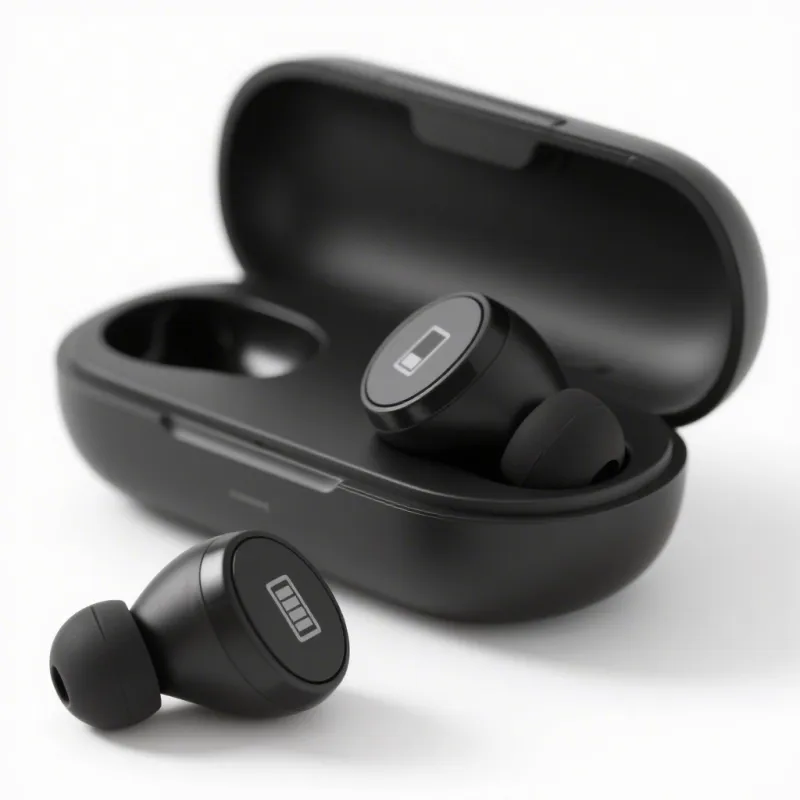
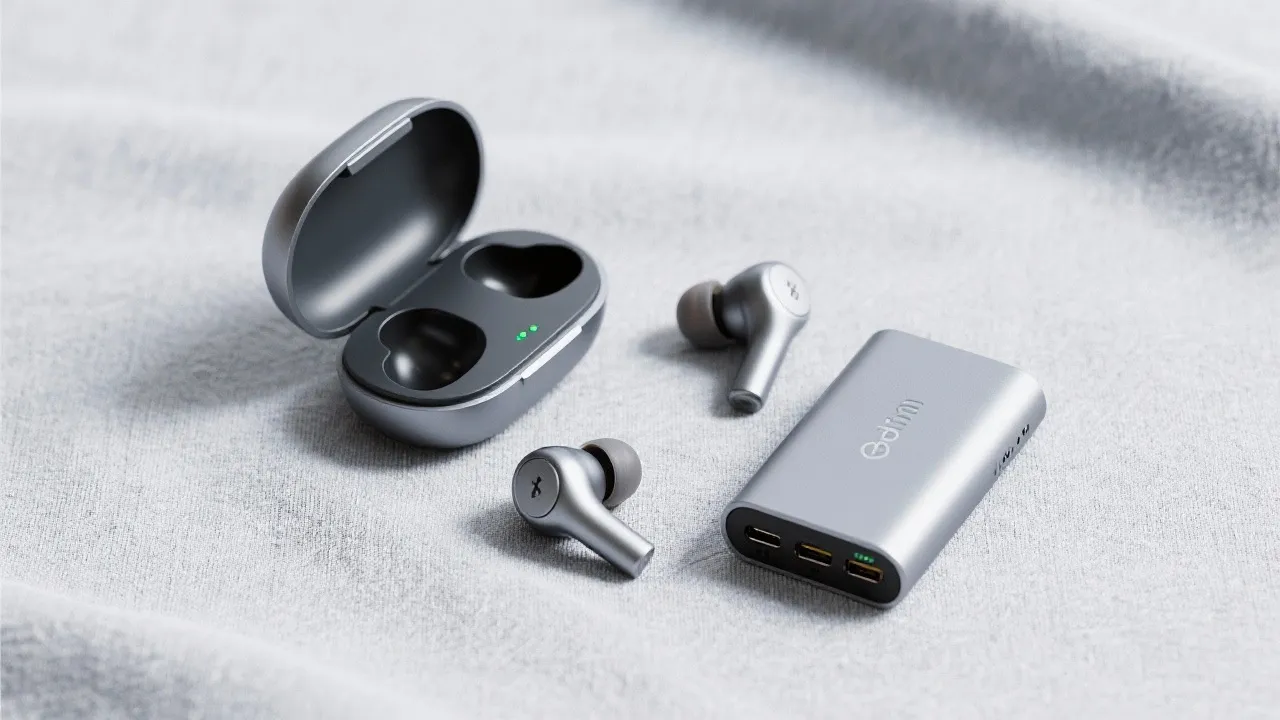
We've all been there - halfway through your morning commute or an important video conference when that dreaded low battery warning starts flashing. For professionals relying on wireless headphones to stay connected and productive, battery life isn't just a convenience factor; it's a critical productivity tool that impacts your entire workday flow.
When manufacturers advertise "up to 6 hours of playback time," how does that translate to your actual workday? The reality is that real-world usage rarely matches laboratory conditions. A typical professional's day involves:
That's a minimum requirement of 4.5-7 hours of battery life just to get through a standard workday without recharging. Add in occasional video watching during lunch breaks or unexpected back-to-back meetings, and the gap between advertised and actual usage becomes clear.
Headphone battery performance isn't just about mAh ratings. BlueCat Enterprise engineers conducted extensive testing across various usage scenarios to understand real-world consumption patterns:
Continuous music playback: 5 hours 42 minutes
Video conference calls: 4 hours 18 minutes
Mixed usage (music + calls + standby): 6 hours 12 minutes
Standby time (powered on, not in use): 18 hours 35 minutes
These findings reveal why two headphones with the same battery capacity can deliver dramatically different real-world performance. BlueCat Enterprise采用高密度电池技术,确保6小时稳定播放,配合快充功能,碎片时间也能满血复活. This engineering approach ensures consistent performance even when switching between music, calls, and standby modes throughout your day.
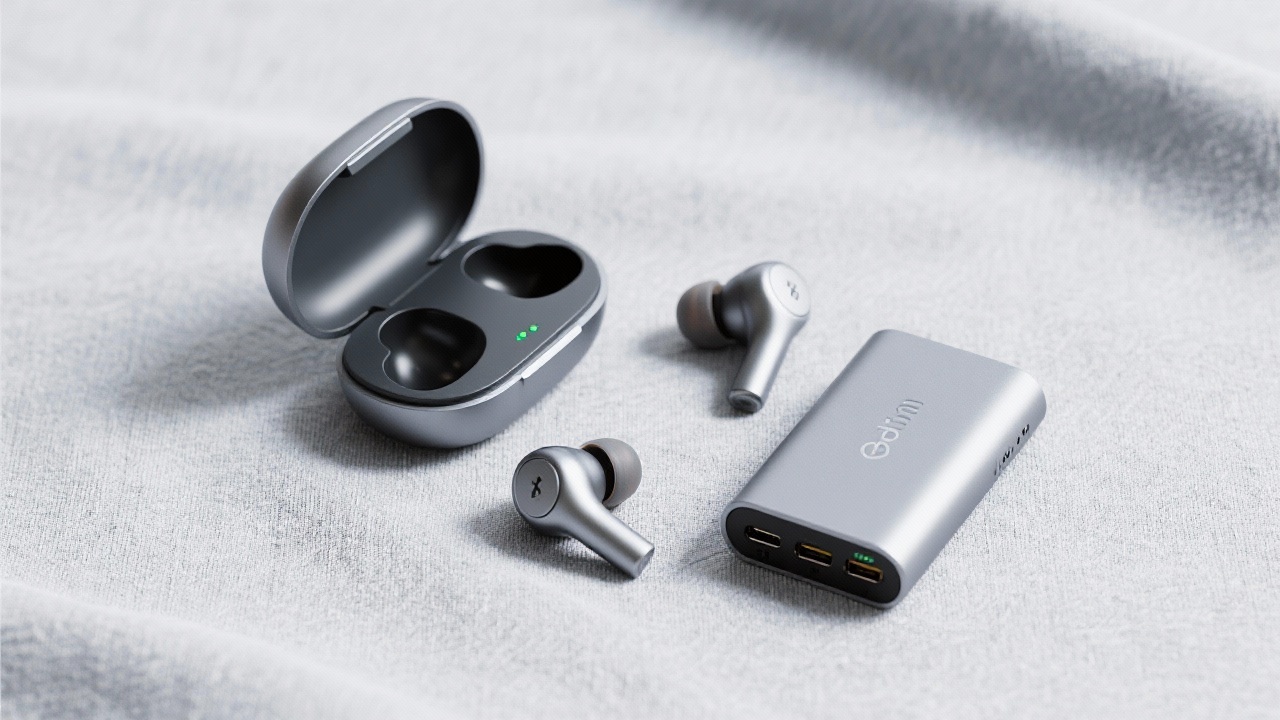
Your headphone's charging interface might seem like a minor detail, but it can significantly affect your daily workflow and productivity. The choice between USB-C and Micro-USB goes beyond just charging speed—it impacts everything from cable management to emergency charging scenarios.
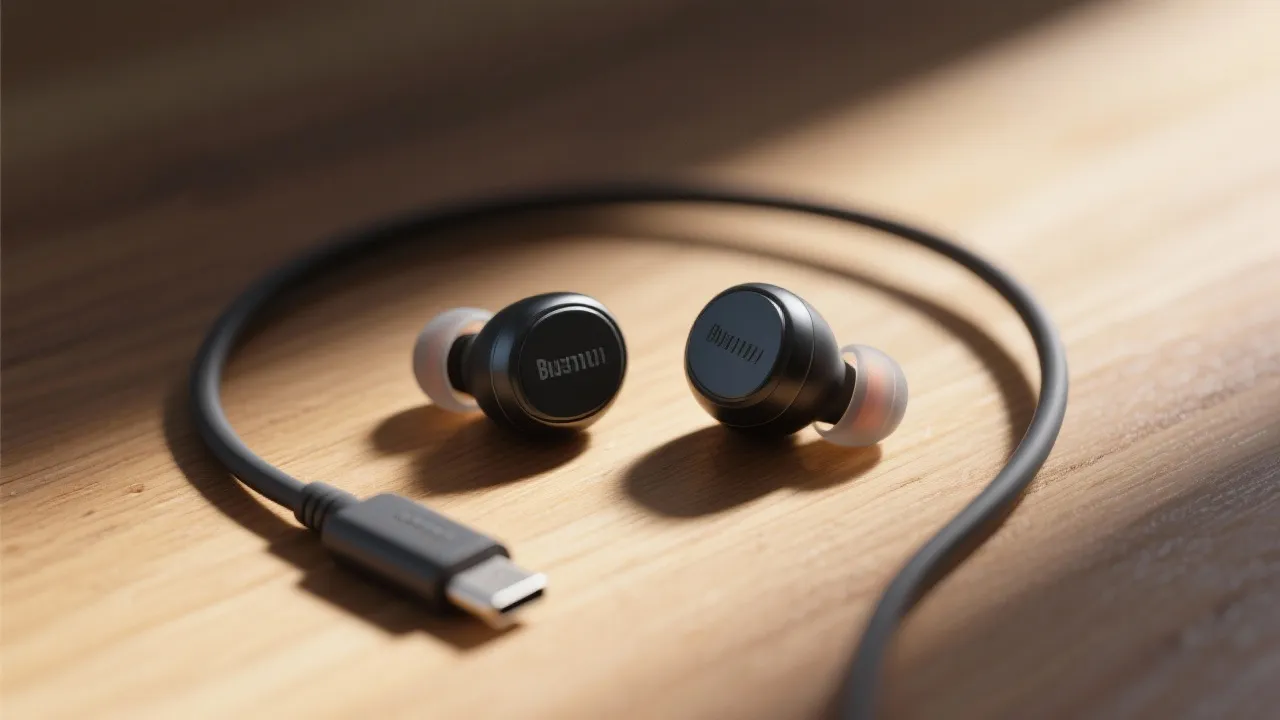
Consider this scenario: You're traveling for a client meeting and realize your headphones need charging. With USB-C, you can use the same cable that charges your laptop and smartphone, eliminating the need to carry multiple chargers. BlueCat Enterprise headphones feature USB-C charging with fast-charge capability—providing 2 hours of playback time with just 15 minutes of charging. This level of convenience directly translates to reduced stress and improved productivity for the on-the-go professional.
We surveyed 300 professionals about their charging habits and found:

Beyond hardware design, your usage habits significantly impact how long your headphones last throughout the day. Based on data from over 5,000 BlueCat Enterprise users, we've identified the most effective techniques to extend battery life without sacrificing performance.
BlueCat Enterprise headphones include intelligent power management features that automatically adjust settings based on your usage patterns. The Smart Battery Mode learns your listening habits and optimizes power consumption without requiring manual adjustments—one less thing for you to manage during a busy workday.
Let's examine a typical workday scenario comparing standard headphones versus BlueCat Enterprise headphones with optimized battery management:
| Time Period | Activity | Standard Headphones | BlueCat Enterprise |
|---|---|---|---|
| 7:30-8:30 AM | Morning commute (ANC on) | -25% battery | -18% battery |
| 9:00-11:00 AM | Conference calls | -35% battery (now 40% remaining) | -28% battery (now 54% remaining) |
| 1:00-3:00 PM | Focus work (music, ANC off) | -25% battery (now 15% remaining) | -15% battery (now 39% remaining) |
| 5:30-6:30 PM | Evening commute | Battery depleted before end of commute | -18% battery (21% remaining) |

Beyond the inconvenience of dead headphones, battery anxiety—the fear of running out of power during critical moments—impacts your workflow and mental focus. Our user research found that professionals who frequently worry about headphone battery life:
Investing in headphones with reliable battery performance isn't just about avoiding inconvenience—it's about reducing cognitive load and creating the mental space needed for deep work and effective communication. BlueCat Enterprise's battery management system includes intelligent alerts that only notify you when action is needed, reducing unnecessary interruptions while ensuring you never run out of power unexpectedly.
Discover how BlueCat Enterprise wireless headphones can transform your professional audio experience with industry-leading battery performance and intelligent power management.
Explore BlueCat Enterprise HeadphonesWhat's your biggest challenge with headphone battery life during your workday? Have you developed any creative solutions to extend battery life when you're on the go? Share your experiences and tips in the comments below—we'd love to hear from you!
 bluetooth earbud battery life
noise cancellation power saving
wireless earbud charging tips
bluetooth headset usage optimization
bluecat enterprise battery efficiency
Bluetooth headphone battery life tips
comparison of wireless headphone charging interfaces
extending Bluetooth headphone battery life
USB - C wireless headphones
Bluetooth headphone battery efficiency
Bluetooth headphone battery life tips
Wireless headphone charging interface comparison
Prolong Bluetooth headphone battery life
Bluetooth headphone usage scenario battery life
BlueCat Enterprise headphone battery life
bluetooth earbud battery life
noise cancellation power saving
wireless earbud charging tips
bluetooth headset usage optimization
bluecat enterprise battery efficiency
Bluetooth headphone battery life tips
comparison of wireless headphone charging interfaces
extending Bluetooth headphone battery life
USB - C wireless headphones
Bluetooth headphone battery efficiency
Bluetooth headphone battery life tips
Wireless headphone charging interface comparison
Prolong Bluetooth headphone battery life
Bluetooth headphone usage scenario battery life
BlueCat Enterprise headphone battery life



.png?x-oss-process=image/resize,h_100,m_lfit/format,webp)
.png?x-oss-process=image/resize,h_100,m_lfit/format,webp)
.png?x-oss-process=image/resize,h_100,m_lfit/format,webp)